Kick Swift — Shoe Shopping App Concept
A shoe shopping app concept: catalogue, search, product detail with size selection, and a shopping cart.

01. Project Overview
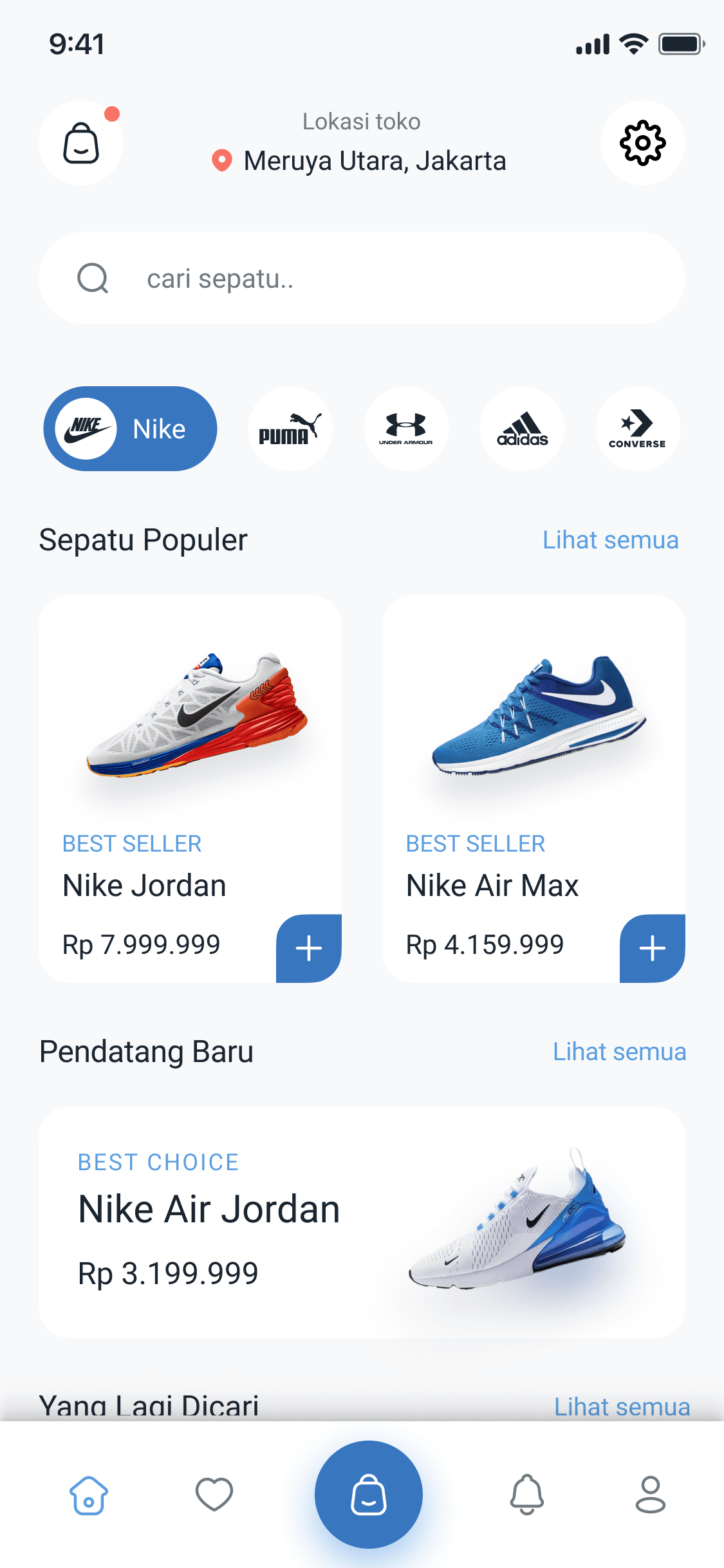
Kick Swift is a shoe shopping app concept: a catalogue with categories and popular products, search, product detail, and cart.
02. Problem Statement
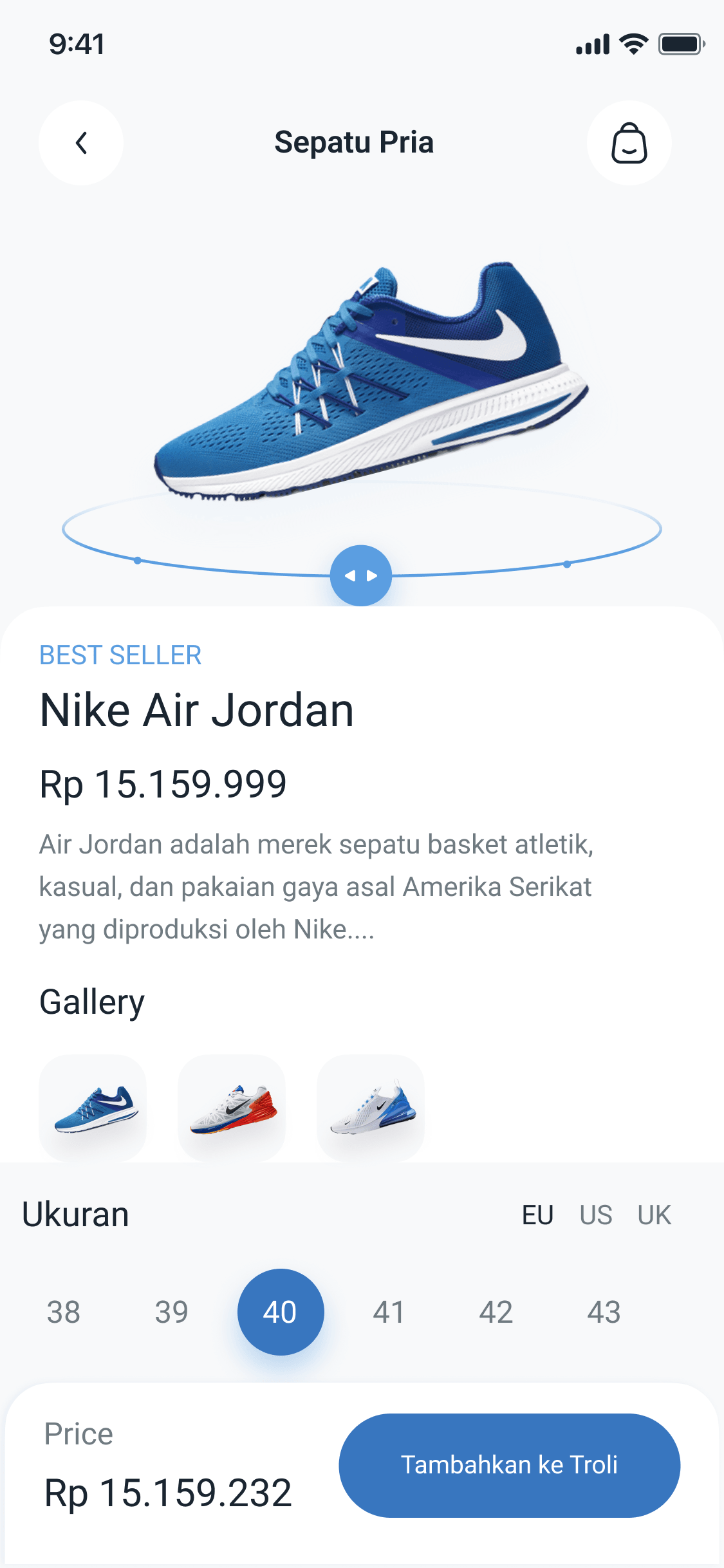
In shoe shopping, size is the riskiest decision. Users need to see size availability and materials before adding a product to the cart, without backing out to the catalogue.
03. Information Architecture & Flow
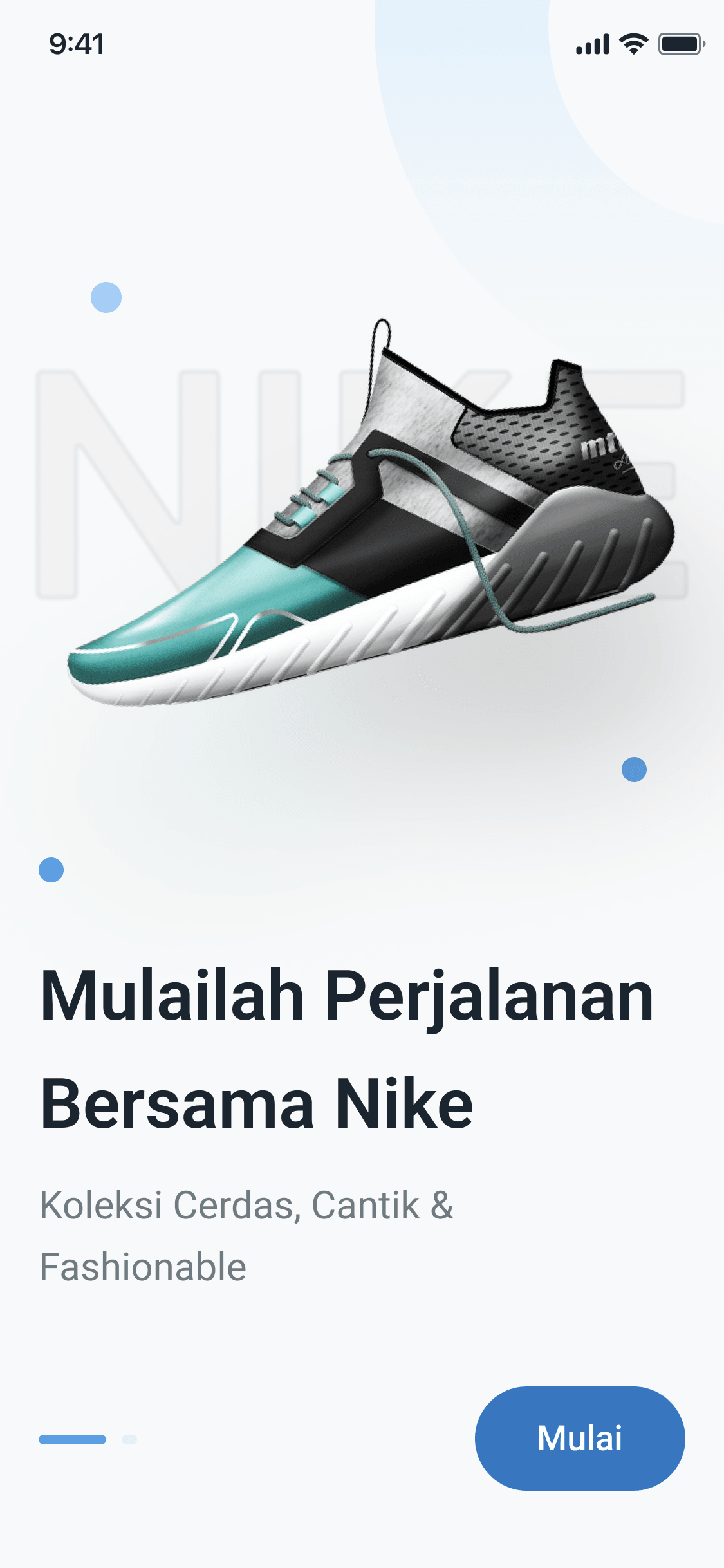
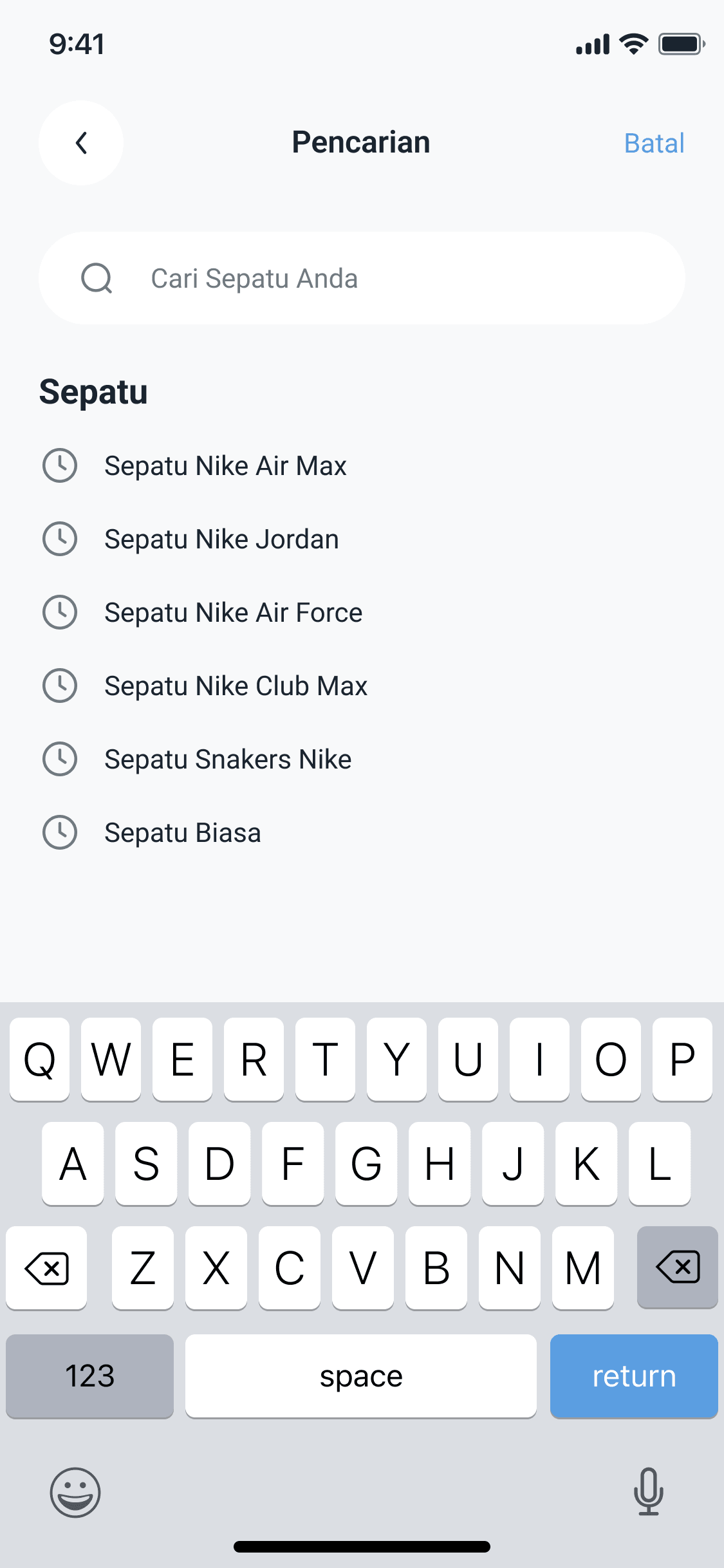
Splash → Onboarding → Home → Search → Product Detail (gallery, material, size) → Cart. A user opens the app → browses categories or searches → opens a product detail → picks a size → adds to cart → reviews the summary before checkout.
04. Wireframing & UI Design
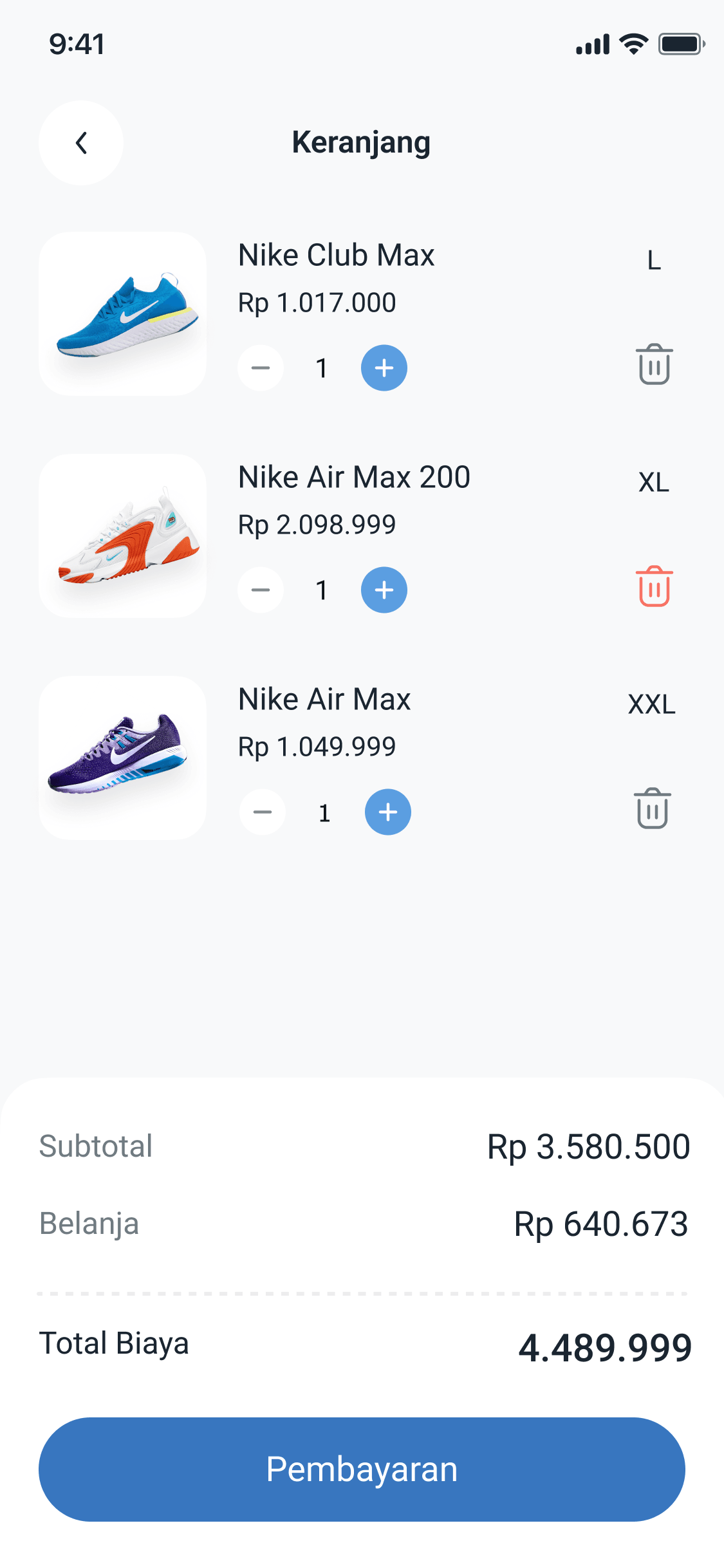
Home shows categories, popular shoes, and products being searched for. The detail page holds the gallery, materials, and size picker. The cart summarises items with prices before checkout, with a visual hierarchy that makes price and the action button the focus.
05. Final Result & Impact
Six screens: splash, onboarding, home, search, product detail, and cart.